
Join your club
Register in Member App, verify your email, and complete your first sign-in.
Have your club code and access to your email inbox ready. Your club provides the code and determines which Locations you can use.
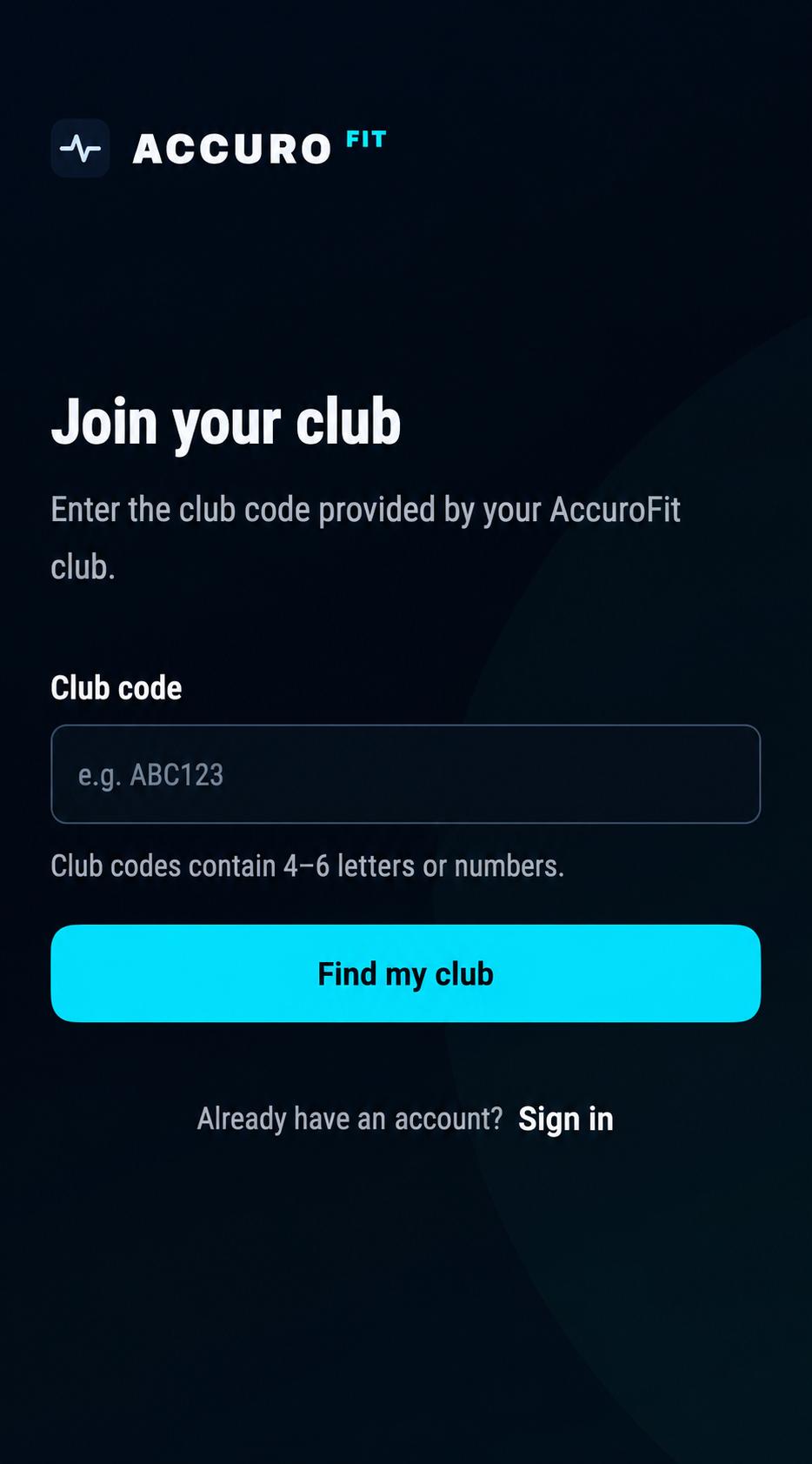
Join your club
- On the sign-in screen, choose Join your club.
- Enter the Club code, then choose Find my club. Confirm that the club name is correct.
- If prompted, choose the Location you are joining and select Continue with this location.
- Enter your name, email, and password. Follow the password requirements shown and confirm your password.
- Choose Create account, then check your inbox for the verification email.
Submitting the form starts a registration request. It does not by itself activate member access. New registration uses email and password. Connect any supported additional sign-in method after your account is ready.
Verify your email and sign in
Open the verification link from your inbox. You can complete this step on another device, including a computer. After verification succeeds, return to Member App and sign in with your email and password; verifying an email does not automatically sign you in.
If the email does not arrive, check spam folders and the address you entered, then use the resend option on the verification screen. Follow any waiting period shown before trying again. If the link has expired or cannot be used, follow the recovery instructions on that screen or contact your club.
Already have an Accuro account? Try signing in with your existing password. Repeatedly submitting registration forms is not a way to change an existing account's password or Location access.
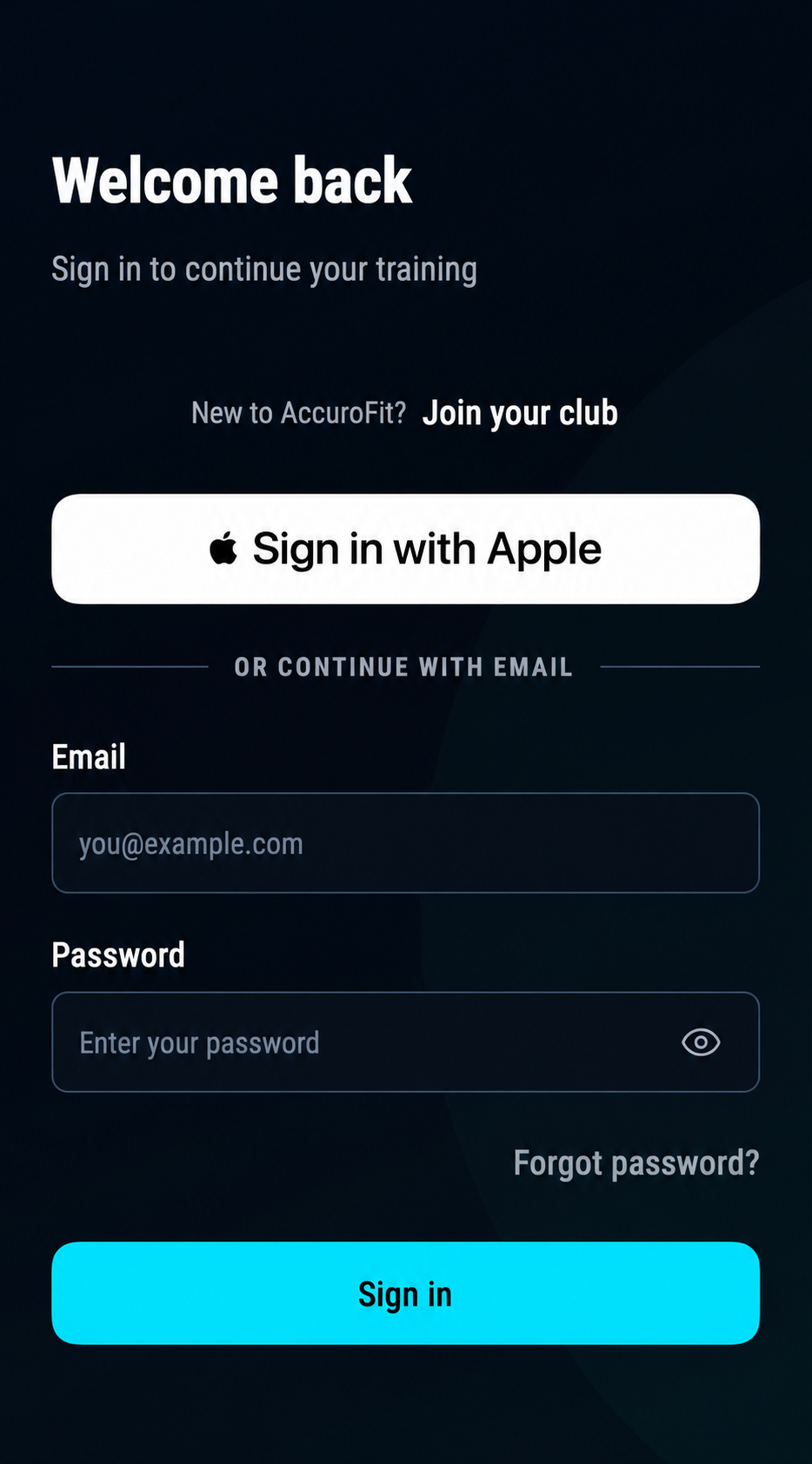
Sign in after verification
- Return to Sign in in Member App.
- Enter the email and password for your account.
- Choose Sign in and follow any account-access message shown.
If registration does not complete
| What you see | What to do |
|---|---|
| Club code is invalid | Confirm the code and club with staff. |
| The intended Location is missing | Ask the club which Location you should join. |
| Verification email is missing | Check spam and the entered address, then use the resend option when available. |
| Verification link is expired or unavailable | Follow the recovery instructions on screen, or ask staff to check your pending registration. |
| You already have an account | Use the existing sign-in method or reset your password. |
If you need help, ask your club to check the registration request for your email and intended Location. Staff may need to confirm your identity before helping.