
Sign-in & security
Recover a password, manage connected sign-in methods, and review account sessions.
Use the sign-in screen to recover access. Once signed in, open Me → Privacy & security to manage your account. Security settings apply to your Accuro account across the Accuro products you use.
Reset a forgotten password
- On the sign-in screen, choose Forgot password?
- Enter the email associated with your account and choose Send reset link.
- Open the reset email and follow the link.
- Enter and confirm a new password that meets the displayed requirements.
- Return to sign-in and use the new password.
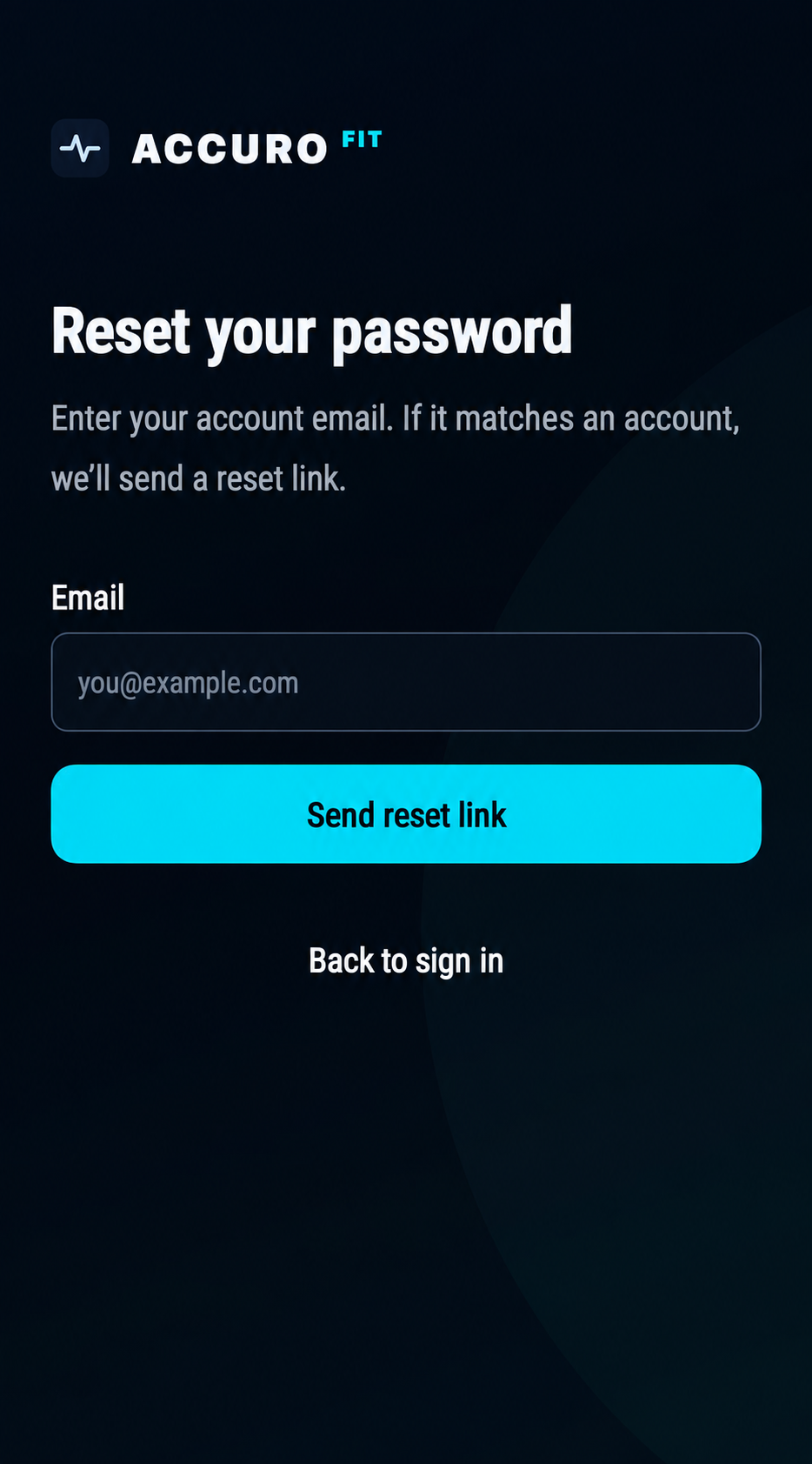
Check spam folders and the email address if the message does not arrive. A password reset does not complete pending email verification or change Location access. If the new password works but club access remains unavailable, contact your club.
Change a password while signed in
- Open Me → Privacy & security → Change password.
- Enter your current password, then enter and confirm the new password.
- Submit the change and wait for confirmation.
Other signed-in devices are signed out after a successful password change. If the screen offers Add password by email, follow that email flow to add email-and-password sign-in to an eligible account.
Connect Apple sign-in
- Sign in using a method that already works for your account.
- Open Me → Privacy & security and select Apple under Sign-in methods.
- Choose Connect and complete any Confirm identity step.
- Complete the Apple flow, then check that the method shows Connected.
A matching email address does not automatically connect accounts. If Apple sign-in says the account is not linked, return to your existing sign-in method first. Provider options can vary by app version and platform; use the options actually shown in your app.
Before unlinking a method, make sure you have another working way to sign in. The last available sign-in method cannot be removed.
Review signed-in devices
Open Me → Privacy & security → Manage signed-in devices. Review the devices and their last-active times. To end other sessions, choose Sign out on all other devices and confirm when prompted. The current phone stays signed in.
If you are asked to confirm your identity again, complete that step and return to the action. If security information cannot load, check your connection and retry.
Get help with access
Contact your club if membership or a Location is unavailable. Use profile and membership to distinguish access problems from sign-in problems. You can also manage your own account through Dashboard with your Member role.
Delete a membership account
In Member App, open Me → Privacy & security → Delete membership account. Read the pre-deletion review before continuing: it explains whether the request removes your member relationship while retaining an account with other roles, or anonymizes the membership-only account's identifying information.
Historical records can remain in the form described on that screen; this is not a promise to erase every past workout. Review the scope, complete the identity confirmation, and submit only if you intend the irreversible removal. Keep the deletion receipt so you can check the request status if completion is delayed.
Future health exports stop. Workouts already copied to Apple Health or Health Connect remain in those apps. For an unavailable Location or sign-in problem, use the recovery and club-support steps above before choosing deletion.